
Once you have added a product to an order, you can edit the product description by clicking on the field underneath DESCRIPTION.
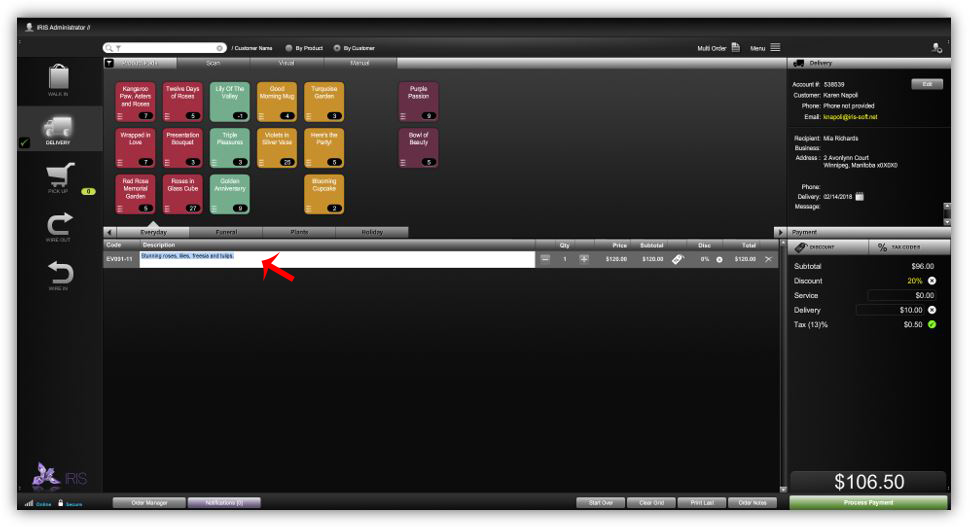
NOTE: In order for the description to editable, the EDITABLE DESCRIPTION box must be checked in product inventory.
Admin > Inventory > Select Product > Edit Item > check Editable Description > Save
Comments
0 comments
Please sign in to leave a comment.